You haven't signed in yet, you can have a better experience after signing in
*Please complete the payment within {{receiveCouponInfo.expire_at}}Previous use*
You haven't signed in yet, you can have a better experience after signing in



Activity Rules
1、Activity time:{{ info.groupon.start_at }} ~ {{ info.groupon.end_at }}。
1、Activity time:cease when sold out。
2、Validity period of the Group Buying:{{ info.groupon.expire_days * 24 }} hours。
3、Number of Group Buying:{{ info.groupon.need_count }}x。
Please Pay Attention
1、Teamwork process: Join/initiate a Group Buying and make a successful payment - Within the validity period, the number of team members meets the activity requirements - Group Buying succeeded!
2、If the number of participants cannot be met within the valid period, the group will fail, and the paid amount will be refunded in the original way.
3、The number of people required and the time of the event may vary among different products. Please pay attention to the rules of the event.
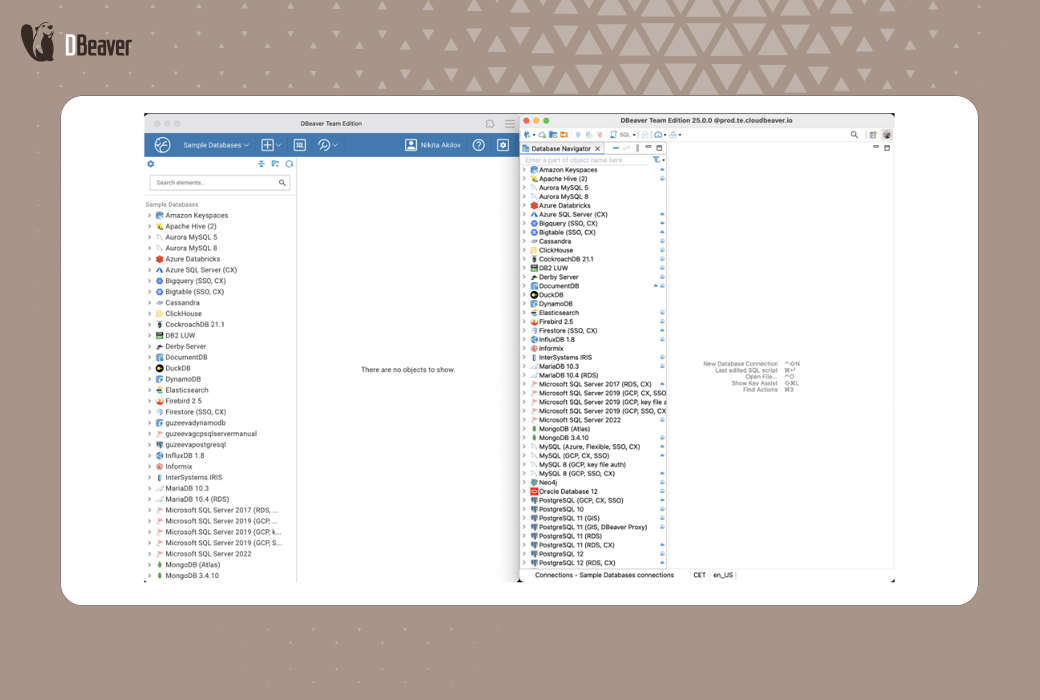
DBeaver Team transforms the way teams collaborate with data while maintaining enterprise level security and compliance. DBeaver Team Edition uses a client server architecture. This provides your team with a private single database management solution in both web versions and desktop applications. Team Edition has sophisticated access control and comprehensive auditing capabilities. New team members can complete setup and operation within minutes, with precise control permissions.
Improve team efficiency through enterprise level security controls and comprehensive audit capabilities in DBeaver Team Edition.
DBeaver Team Edition is a client server application that requires server deployment. After deploying and configuring the server cluster, team members can access Team Edition using a web interface or desktop client application.
Step 1
Deploy server
Follow the instructions to set up your server. This enables you to configure and run web clients.
Step 2
Install client
After the server is ready, you can run the desktop client. For more information, please refer to the installation instructions.
Deploy immediately:https://dbeaver.com/docs/team-edition/Team-Edition-deployment/
main advantages
Your team can work together in real-time to process SQL scripts, tables, views, and datasets. Everyone is synchronized with the same data.
Share resources and collaborate on scripts for the entire team in a secure and centralized workspace.
Ensure the security of user data through enterprise level authentication and historical records of all user queries.
Maintain detailed logs, track databases, and meet regulatory requirements such as SOC 2 and ISO certification through audit tracking.
highlight feature
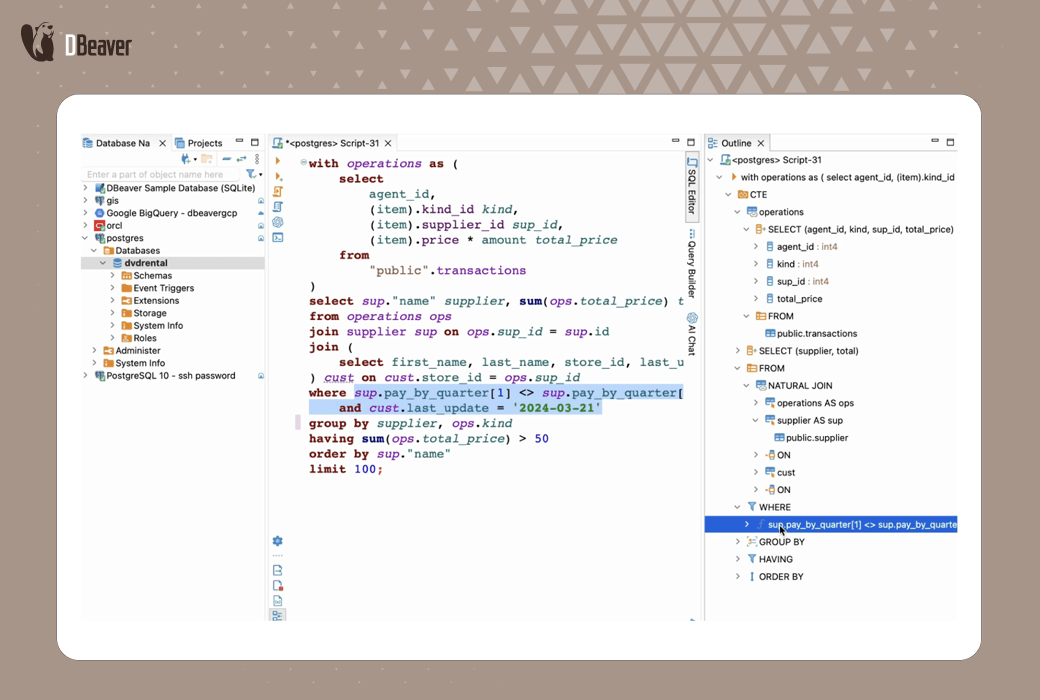
Easily write, run, and debug complex SQL scripts. Advanced features include code completion, query templates, and professional formatting.
Share resources in a centralized secure environment and process scripts together in real-time. Keep your team synchronized and keep your work organized.
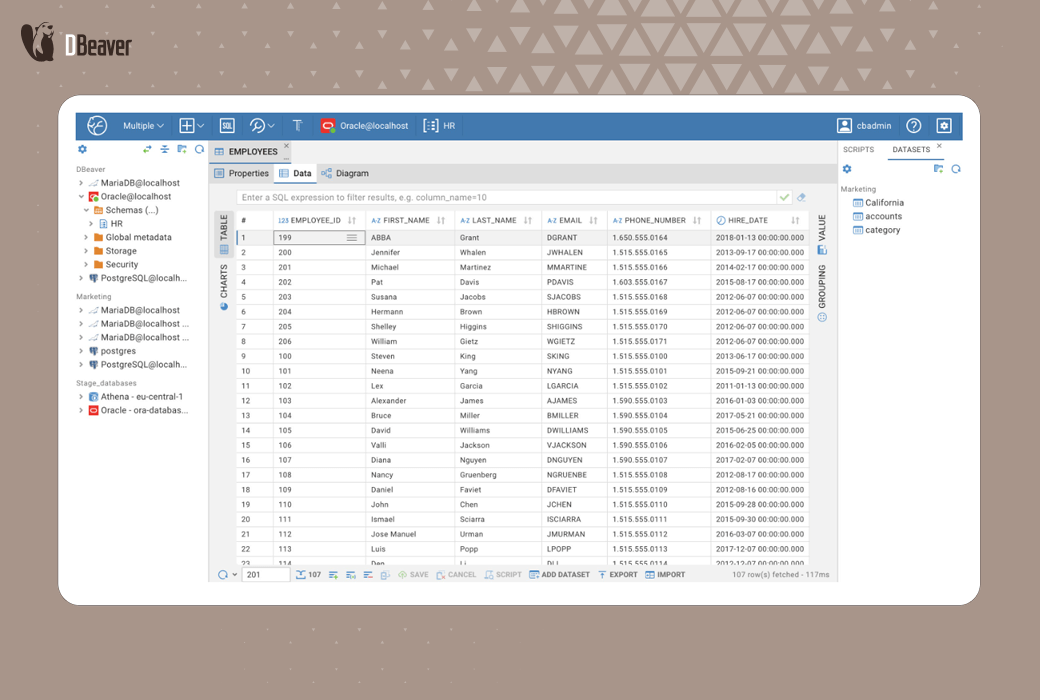
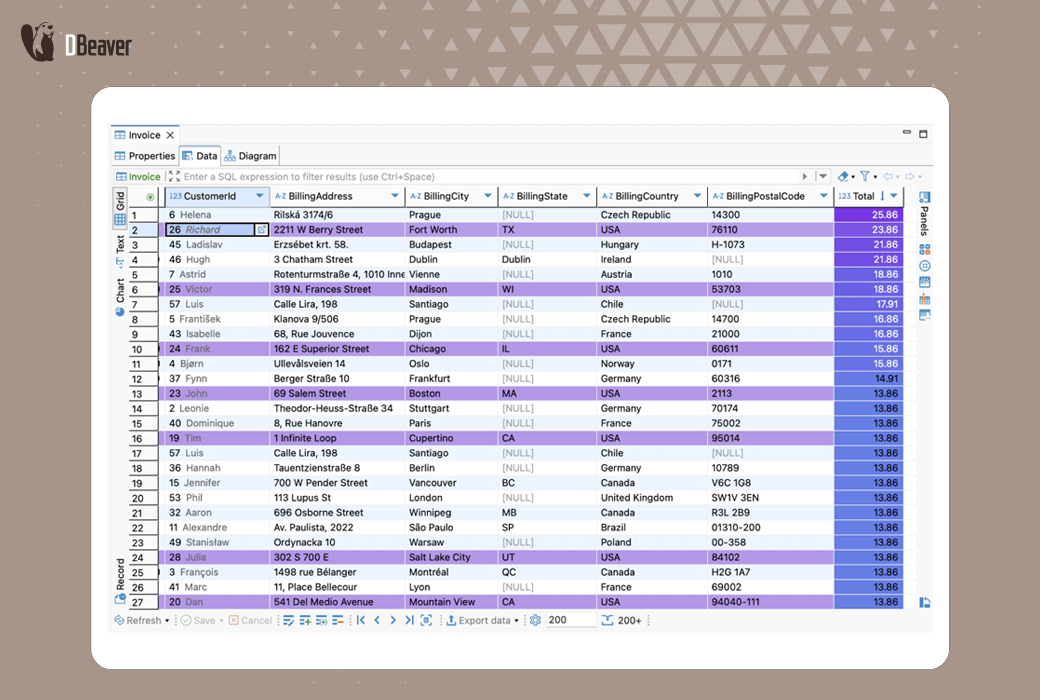
Browse, edit, and filter data in grid mode. Use visualization features to simplify data management and reporting. Create a dataset to share necessary data with teammates with limited permissions.
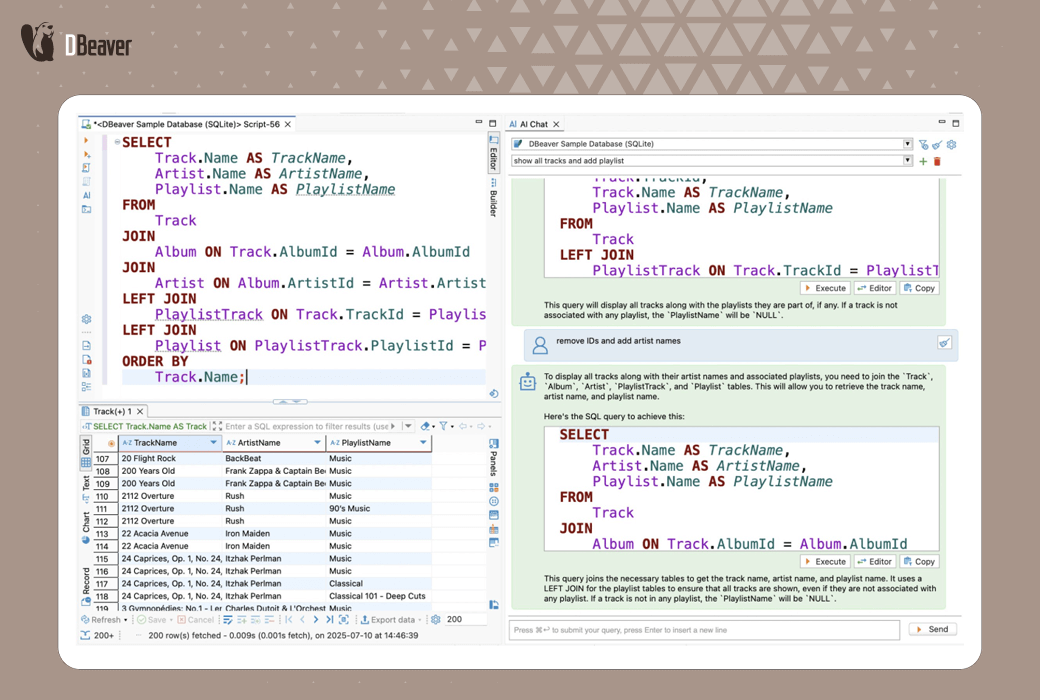
Use AI Chat to build and optimize queries, immediately resolve SQL errors, and access clear explanations of queries and database objects. Administrators can maintain company security policies through central AI control.
Use a fully functional toolkit to switch between desktop and web versions without losing task progress. Very suitable for mixed and remote teams that require flexibility.
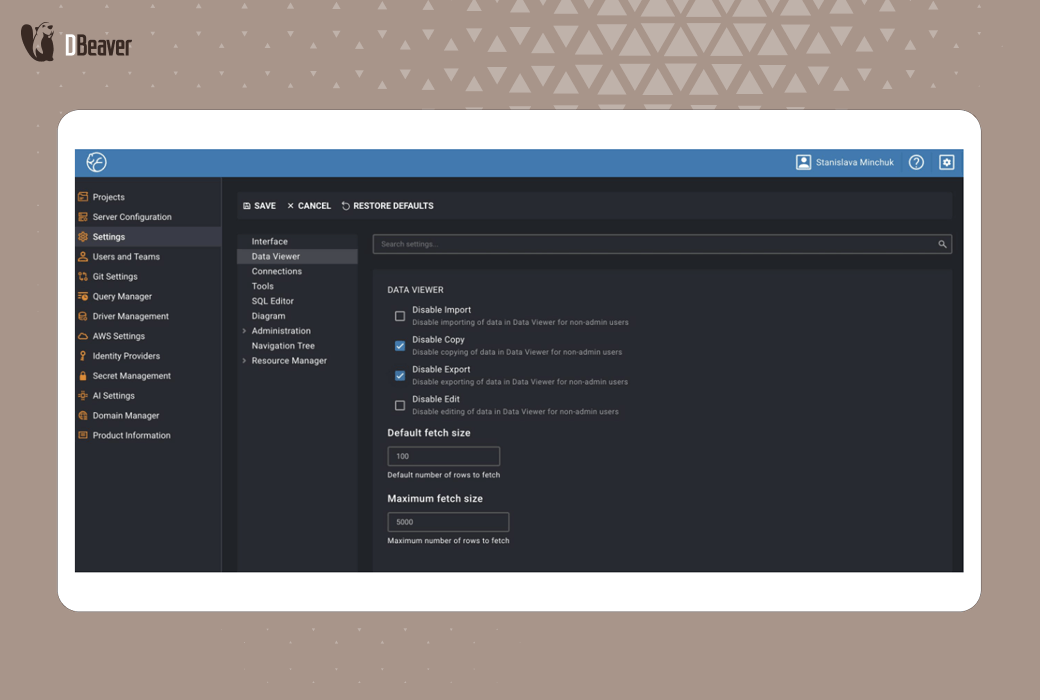
Ensure the security of your data through dual layer authentication and enterprise level security features. Restrict export, copy, and edit functions. Control the list of available features and database drivers. Store the credentials in the Secret Manager.
DBeaver Team is applicable to all data departments
Team Edition Role
Technical users
developer
operator
business user
BI and Finance
sales and marketing
Official website:https://dbeaver.com/dbeaver-team-edition/
Download Center:https://dbeaver-team.apsgo.cn
Data document:https://dbeaver.com/docs/team-edition/
Delivery time:Manual online processing
Operating Platform:Windows、macOS、Linux
Interface language:Supports Chinese interface display and multiple language options.
Update Description:Use and update within the subscription validity period.
Trial before purchase:Free trial is available before purchase.
How to receive goods:After purchase, the activation information will be sent to the email address at the time of placing the order, and the corresponding product activation code can be viewed in the personal center, My Orders.
Number of devices:Can install one computer.
Replace computer:Uninstall the original computer and remove the license in the license manager before the new computer can be reactivated.
Activation guidance:To be added.
Special note:To be added.
reference material:https://dbeaver.com/docs/dbeaver/How-to-Reassign-License/

Any question